
A Portland Bridge
Posted: September 29, 2023 Filed under: Echidna Studios, portland bridge | Tags: Echidna Studios, Fabriano Watercolour Paper, sennelier watercolours 13 Comments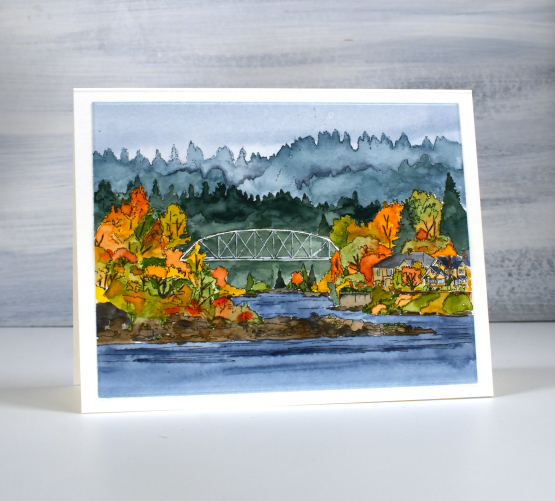
You might recognise the style of this image; it’s a new digital landscape stamp called Portland Bridge from Echidna Studios etsy store. My daughter and I both have designs in her store but this style is one of her strengths, drawn from photos she has taken herself. She was thrilled to compete in Oregon earlier this year and while there took beautiful photos of the surrounding scenery. This bridge is called Lake Oswego Railroad Bridge. I know I’ve had a few readers from Oregon over the years; do you know this bridge?
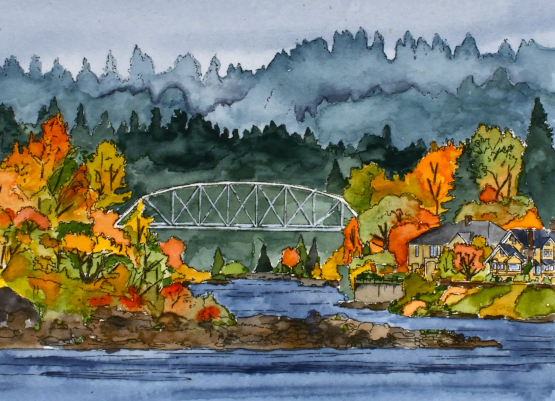
Echidna Studios includes digital images for printing, cutting or both. (read to the end of this post to learn about a giveaway) I printed this one on Fabriano hot pressed watercolour paper manually fed through my laser printer. I painted the scene with Sennelier watercolour paints starting with a diluted blue sky and the same blue but deeper for the river. After that dried I mixed some green in with the same blue to paint the background trees and added more green for the second and third layer of trees. I used a mix of brown and blue for the rocks. When those areas dried I mixed some light greens, yellows and oranges to paint all the trees clustered around the river and houses. I left the bridge and houses until last, using a white gel pen where necessary to bring back white lines to the bridge. I thought this scene would take me much longer to paint but by working in sections as described above it probably took a bit over an hour.
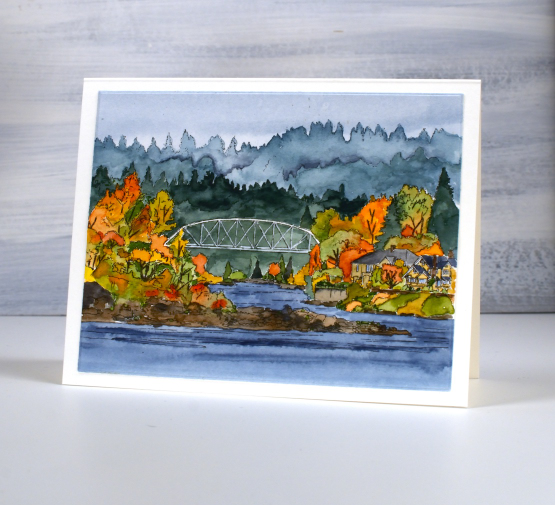
Pop over to the Echidna Studios store and take a look at the wide variety of images and stencil cutting files available. To be entered in a draw for a free digital image head over to Instagram, follow Echidna Studios and comment on one of their posts. We are wanting to spread the word about these fabulous designs. There are now over 50 designs with new ones being added each week.
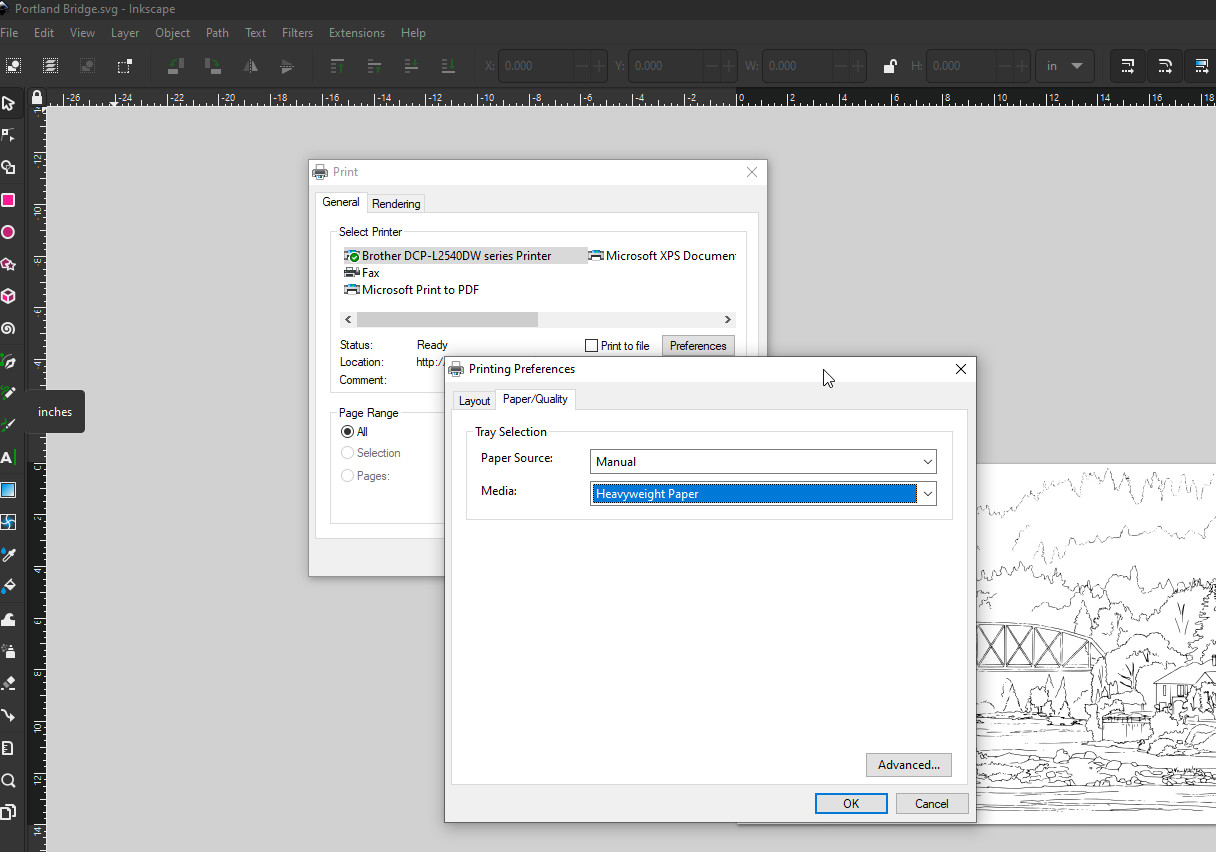
The screen shot above shows the settings used to print successfully on watercolour paper. I included it in case you haven’t tried. I open the digital image in Inkscape but you could use other apps. When the printer dialog pops up on the screen I go to preferences so I can select paper quality as heavyweight and paper source as manual. I imagine the dialog box is different depending on your printer but this information might be helpful for you. Being able to print on watercolour paper and not have it brush off or smudge has been wonderful for digital images.
Have a wonderful day.









 Heather Telford